.png)
Give Domain Access - Squarespace
STEP 1: Login to Your SquareSpace Account
Go here 👇
https://account.squarespace.com/domains
*you may need to login first, but if it doesn't take you back - click the link above again.
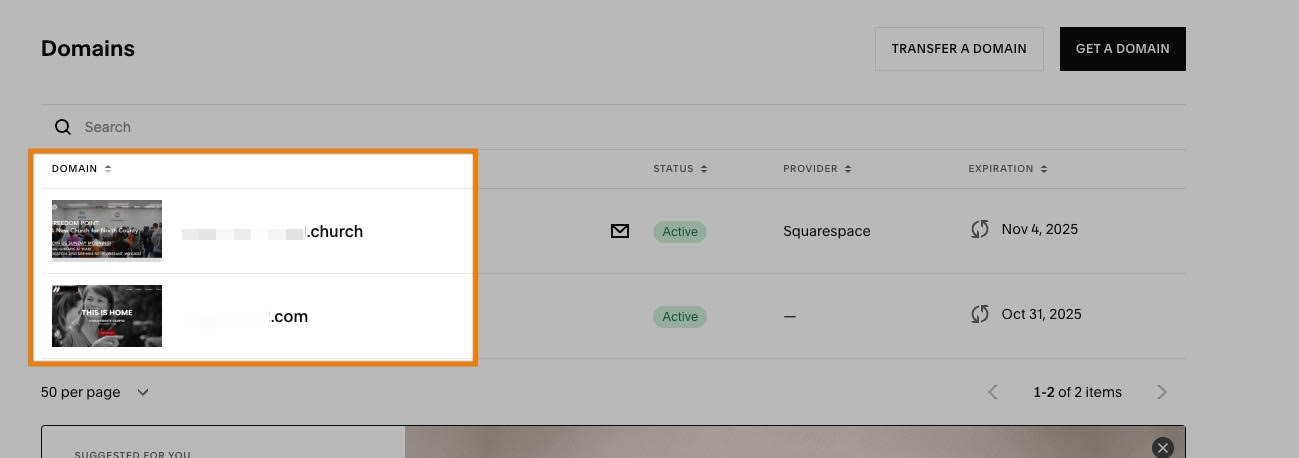
Your domain(s) should be listed on this page.
STEP 2: Click on Your Domain
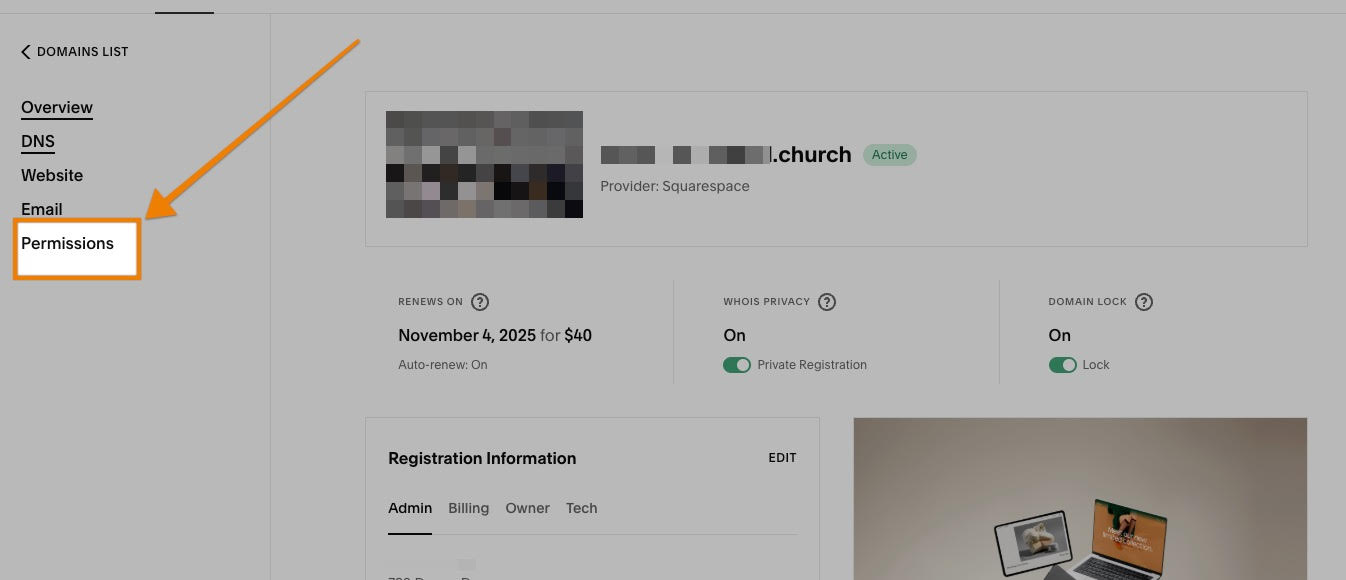
STEP 3: Go to Permissions
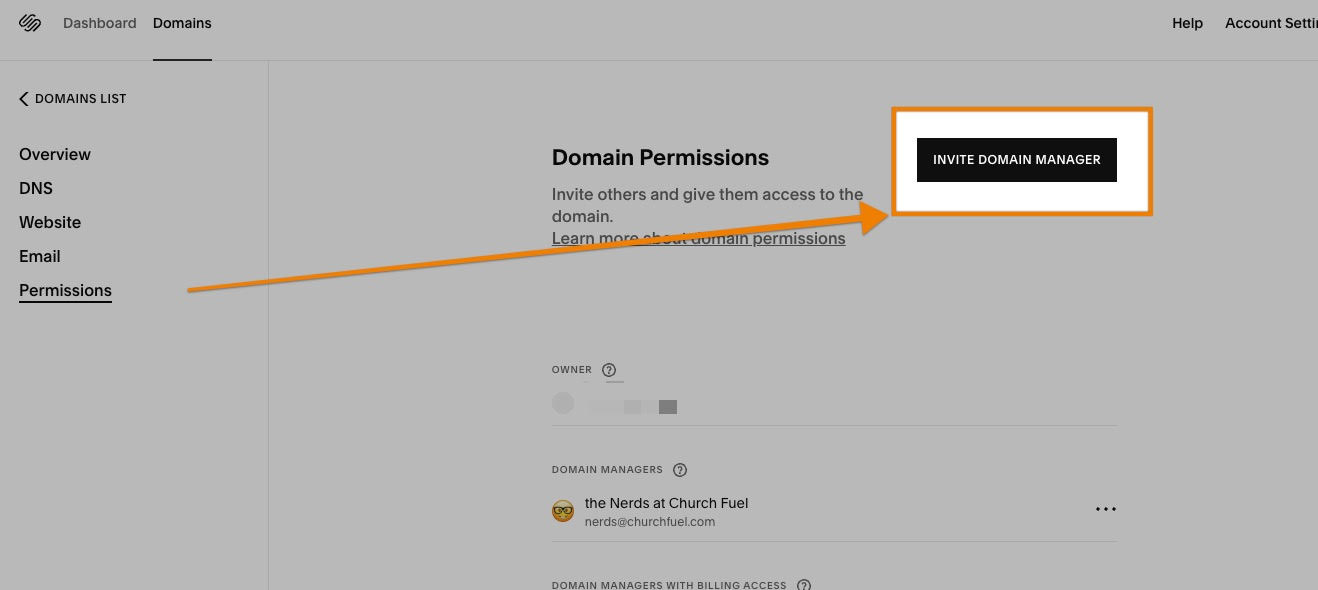
STEP 4: Click on Invite Domain Manger (or it may say Invite Contributor)
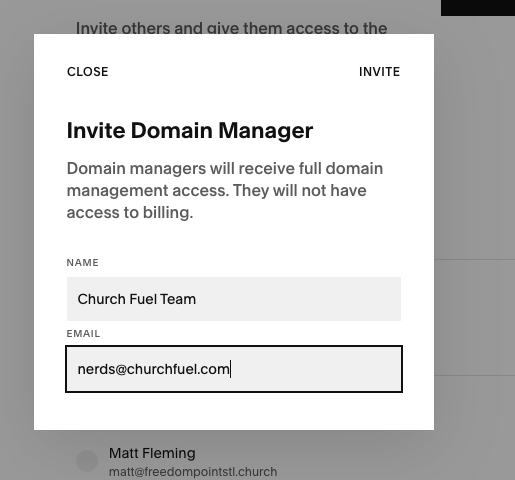
STEP 5: Fill in Name & Email
Name = Church Fuel Team
Email = nerds@churchfuel.com